I was excited to see Microsoft embrace the OpenClaw concept at Build a few weeks ago with the introduction of a new service called Scout. I finally got around to spending some time with it this past week, and honestly, it’s been a pretty awesome experience.
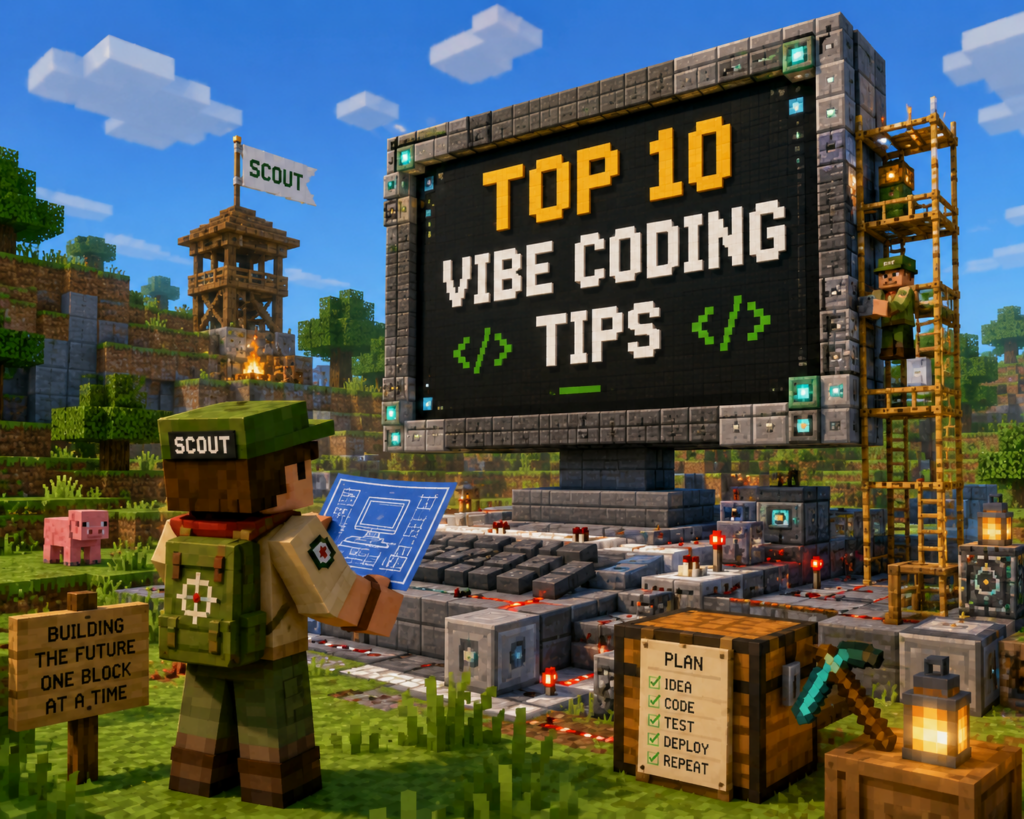
I actually had a blog post sitting in my backlog about vibe coding tips and lessons learned, but Scout felt like the perfect reason to revisit the topic.
The easiest way I can describe Scout is that it’s an OpenClaw-style assistant aimed at everyday knowledge workers rather than traditional software developers. While tools like GitHub Copilot and Visual Studio Code tend to focus on helping developers write code, Scout expands that idea to a much broader audience.
Imagine asking an assistant to check a Power BI dashboard every morning and send you an email when a number changes. Maybe you want it to combine several documents into a report, summarize meetings, organize research notes, create slides, build a spreadsheet, or automate some repetitive task you’ve been doing manually for years.
The specific task almost doesn’t matter.
What matters is that we’re rapidly approaching a world where every employee has access to an assistant capable of performing meaningful work on their behalf.
That’s Where Minecraft Comes In
Minecraft is one of the most popular video games ever created, yet it provides remarkably little guidance on how you’re supposed to play it. You’re dropped into a giant open world with almost no instructions and expected to figure things out through exploration and experimentation. A few hours later you’ve built some tools, explored a cave, and discovered that the game is far larger and more complicated than it first appeared.
What makes Minecraft interesting is that no two people play it exactly the same way. Give ten people the same world and six months later you’ll have ten completely different outcomes. That’s exactly how I think people should approach AI.
The value isn’t learning the “right” prompts or following a predefined path. The value comes from experimentation. Everyone develops their own habits, workflows, and use cases. The prompts I use won’t be the same prompts you use, and that’s perfectly fine.
I think one of the biggest reasons people hesitate is that they’re busy. AI feels like one more thing they need to learn, one more technology they need to master, and one more demand on their already limited time. What many people don’t realize is that these tools aren’t just another thing asking for your attention. In many cases, they’re the thing that can help you get some of that time back.
There’s an old quote often attributed to Bill Gates that says he prefers to give hard jobs to lazy people because they’ll find an easier way to do them. Whether he actually said it or not, the idea resonates with me. Most innovation comes from somebody getting tired of doing the same repetitive thing over and over again and deciding there has to be a better way.
That’s one of the reasons I’ve become so interested in AI-assisted development and vibe coding.
10 Tips for Vibe Coding
1. Use The Best Model You Can Afford
If you’re going to do serious vibe coding, use the best model you can afford. This is one of the few situations in life where you can literally buy time. The latest models are dramatically better at architecture, troubleshooting, consistency, and understanding larger projects. Yes, they cost more, but they also save an incredible amount of frustration.
One thing that catches people off guard is that many services will silently downgrade you after you’ve consumed enough tokens or reached certain usage thresholds. I’ve lost more than a few hours fighting problems that should have taken minutes, only to discover that I wasn’t actually using the model I thought I was using. If your coding assistant suddenly starts acting like it got hit with a dumb stick, verify the model first. If the model hasn’t changed, it may be time to checkpoint the project and start a new session because you’re running into context limitations.
2. Code-First Has Become The Easy Option
A year ago, if you had given me a choice between writing code and using a low-code platform, I probably would have chosen the low-code option every time. Today, I find myself making the opposite decision.
Modern coding models are exceptionally good at writing Python, APIs, Azure Functions, and other code-first solutions. Ironically, I’ve often had less success asking them to generate templates, manifests, or configuration files for low-code platforms. If I’m deciding between an Azure Function and a large Logic Apps template, I increasingly lean toward the Azure Function because the AI performs better when it’s allowed to work directly in code.
What used to feel like the harder path now often feels like the easier one.
3. Sometimes The AI Knows Something You Don’t
One lesson that took me a while to learn is that sometimes the weird-looking code is there for a reason. I remember working on an Azure Function where the AI kept appending a random-looking identifier onto the application name. It looked ugly and unnecessary, so I told it to remove it.
Later, deployments started failing. What I eventually discovered was that the function app name needed to be globally unique. The AI wasn’t adding random characters because it felt like it. It was compensating for a platform requirement that I didn’t fully understand.
Before removing something that looks strange, take a minute to understand why it was there in the first place.
4. Constrain Permissions Aggressively
I’ve watched coding assistants modify multiple repositories because they had similar names. I’ve watched them touch files I never intended them to touch. Most of those situations could have been avoided by constraining access from the start.
When a coding assistant asks what it should have access to, give it the smallest amount of access possible. Avoid the temptation to click “Allow All.” If it only needs one folder, give it one folder. If it only needs one repository, give it one repository. A little restraint up front can prevent a lot of confusion later.
5. GitHub Is Your Safety Net
More than once I’ve finished a long coding session only to discover that changes existed locally but were never committed to GitHub, or that changes made it to GitHub but never made it back to the local repository.
One habit I’ve developed is explicitly instructing the coding assistant to commit changes both locally and to GitHub throughout the project. GitHub is your safety net. GitHub gives you history. Random local folders generally do not.
The AI is usually very good at writing commit comments, but don’t assume it’s committing changes just because you asked it to. Trust, but verify.
6. Most Of The Weird Problems Were My Fault
Most of the truly strange situations I’ve encountered weren’t caused by the AI. They were caused by me.
I approved something too quickly. I copied the wrong error message. I misunderstood the problem. I got impatient and started making changes before I fully understood what was happening. I slipped into what some people call YOLO mode, short for “You Only Live Once.” It’s the point where you’re moving so quickly that you’re no longer paying attention.
In hindsight, many of my biggest setbacks were self-inflicted. The AI made mistakes too, but most of the really painful failures started when I stopped paying attention, moved too quickly, or assumed I understood the problem before I actually did.
7. Watch The Feedback Loop
It’s tempting to submit a prompt and immediately switch to something else while the AI works. I do it all the time. But some of the most useful things I’ve learned came from watching the assistant explain what it was doing while it worked.
More than once I’ve caught it modifying the wrong repository, heading down an unexpected path, or making assumptions that weren’t part of the original plan. You don’t have to stare at the screen constantly, but watching the execution stream when you can will save you a surprising amount of troubleshooting later.
8. Voice Dictation Is A Superpower
Voice dictation has completely changed the way I work. At this point, typing feels like a chore. I find myself looking for the microphone button in every application I use.
Some of my best planning sessions happen while I’m walking, driving, traveling, or waiting somewhere. I’ve outlined presentations, planned projects, drafted articles, and talked through complicated technical problems while taking a walk with earbuds in. The downside is that it probably makes me look slightly unhinged at airports and around the house because I’m constantly talking to my phone or computer. The upside is that I get dramatically more done.
If you’ve never really embraced voice dictation, give it a serious try. Once you get comfortable talking to your AI instead of typing to it, it’s surprisingly difficult to go back.
9. Tiny Code Is Suddenly Worth Writing
I recently heard Scott Hanselman talk about the concept of tiny code, applications that are written for a very small audience, sometimes an audience of one.
Before AI, many of these ideas weren’t worth the effort. Today, they absolutely are. I’ve written small utilities to test undocumented API limits, collect statistics, process data, and solve one-off problems that would have been difficult to justify building a few years ago.
One of the most interesting changes brought about by AI is that the cost of creating software has collapsed. If a tiny application can save you time, answer a question, or solve a recurring annoyance, it’s probably worth building. And if it proves useful, consider taking the extra step to publish it. You might be surprised how many other people have the same problem.
10. The Proof Of Concept Is Only Twenty Percent
The biggest lesson I’ve learned is that building the first version is usually the easy part.
Modern AI systems can create something impressive in minutes. That’s the first twenty percent. The other eighty percent is architecture, testing, documentation, GitHub preparation, deployment, cleanup, refinement, evaluation, and all the little details that transform something that works into something that other people can actually use.
The good news is that AI can help with that eighty percent too. It can write documentation, generate README files, clean up code, add comments, review architecture, and help prepare projects for publication. But even with an incredibly capable assistant, somebody still has to dot every I and cross every T.
Final Thoughts
The longer I spend working with these tools, the less it feels like traditional software development and the more it feels like directing a team. The AI handles much of the implementation, but you’re still responsible for defining the destination, reviewing the results, and deciding what gets built next.
That’s why I think the Minecraft analogy works so well. Nobody can hand you the perfect guide because everyone eventually develops their own workflows, habits, and ways of working. The only way to really learn is to start experimenting.
Build something. Break something. Fix something. Learn something.
New Achievement!
You’ve survived another vibe coding session without accidentally deleting a production environment.
Reward?
A slightly better understanding of AI, a few new tricks, and probably three more project ideas than you had when you started.
Now get back out there and code, code, code.