Why I Started Building This
Several weeks ago, I set out to create a proper Microsoft Defender Vulnerability Management (TVM) data connector for Microsoft Sentinel. What started as a relatively simple side project turned into a much larger effort involving API comparisons, ingestion architecture, scaling limitations, and a deeper understanding of how Defender exposure-management data actually behaves behind the scenes.
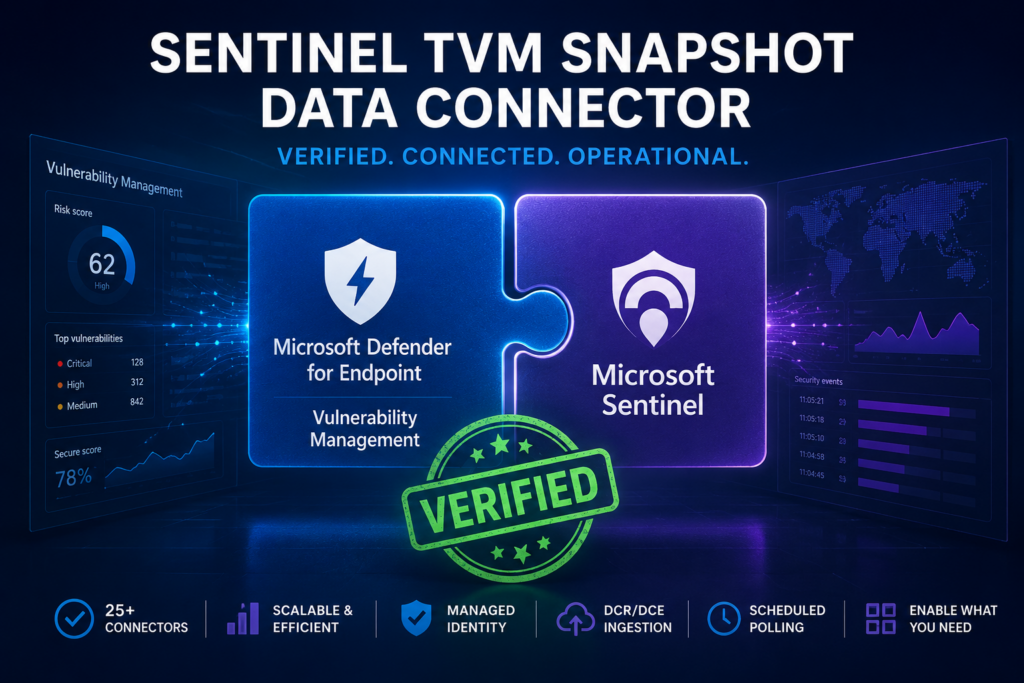
The original motivation was straightforward. I could not find a clean, well-structured, easy-to-deploy connector focused on moving Defender TVM data into Sentinel. There are examples out there. Some people have scripts, some have custom solutions, and there are older community efforts available. One of the better known examples is a connector from Alex Anders based on the Defender for Endpoint REST APIs. That project helped inspire some of this work and provided a useful reference point during development.
The challenge is that the Defender API approach does not actually move the original TVM table data itself. Instead, it exposes related TVM information through REST endpoints. In some cases that data overlaps heavily with the native TVM hunting tables, but after comparing them side by side, I found the original TVM data was usually much cleaner, better structured, and easier to operationalize.
Repository: sentinel-tvm-function-based-connector
Earlier Logic App version: sentinel-defender-tvm-connector
Original API-based community connector from Alex Anders:M365Defender-VulnerabilityManagement Connector
As I worked through this project, it also became increasingly clear why there probably is not already a polished first-party Sentinel connector for these datasets.
Most Sentinel connectors are built around event-driven telemetry. They ingest alerts, sign-ins, audit logs, process execution, network activity, and other records where each row represents a discrete event that occurred at a specific moment in time. The TVM datasets do not really behave that way. Many of these tables are closer to inventory snapshots, device assessments, recommendation catalogs, and exposure-management reporting datasets than traditional SIEM telemetry.
Some tables represent the current observed state of software inventory, vulnerabilities, browser extensions, certificates, or secure configuration posture. Others appear to directly support visuals and reporting inside the Defender portal itself. Some datasets are highly repetitive, some are difficult to interpret operationally, and some become extremely large very quickly.
In many cases, continuously ingesting this data into Sentinel simply does not make much sense operationally or financially.
At the same time, there are still legitimate reasons organizations may want access to this data inside Sentinel or Log Analytics. Some organizations may want longer retention than Defender currently provides. Others may want custom dashboards, historical reporting, workbook development, selective archival, or internal compliance workflows. One important limitation today is that these datasets are not currently flowing into Sentinel data lake, and they are not easily archived directly through traditional Log Analytics retention workflows unless you explicitly ingest them yourself.
Rebuilding the Connector with Azure Functions
My original implementation used Logic Apps. While this worked successfully to move the TVM table data into Sentinel, it had some clear scaling issues beyond roughly 5,000 devices and did not appear to be a viable long-term approach for larger enterprise environments.
The Azure Function version was created specifically to solve those scaling problems while also modernizing the deployment architecture.
The new connector uses:
- Azure Functions
- System-assigned managed identity
- DCR/DCE-based ingestion
- Automated PowerShell deployment
- Configurable polling schedules
- Per-table enablement and disablement
One of the requirements from the beginning was avoiding unnecessary complexity around secrets and authentication. I wanted the deployment to work entirely through managed identity without requiring Key Vault dependencies or manually managed API secrets.
The connector currently supports 25 different datasets. Roughly half use the Defender for Endpoint REST APIs, while the other half use the Microsoft Graph Advanced Hunting query API to run KQL queries directly against the TVM hunting tables and move that data into Sentinel.
After the ingestion framework was working, I performed a table-by-table comparison between the API-based approach and the native TVM hunting-table approach. In almost every category, the native TVM tables ended up being the better choice. The tables were generally cleaner, easier to report on, more structured, and more useful for analytics and workbook scenarios.
There were a few exceptions. Some API datasets still provide unique information, such as the non-CPE software inventory dataset. But overall, if someone asked me which collection model they should prioritize, I would overwhelmingly recommend focusing on the native TVM hunting tables rather than the REST API equivalents.
I also brought over the NIST-related datasets from Alex’s original connector. After testing those extensively, I do not recommend enabling them in most environments. The data is extremely large, expensive to ingest, and mostly unnecessary to retain locally. In practice, it is usually far more efficient to either make a direct API call for enrichment or simply construct a URL to CVE.org using the CVE identifier when additional vulnerability detail is needed.
Another interesting finding during testing was that five of the API-based datasets currently do not appear functional in GCC High or government cloud environments. The TVM hunting-table approach itself, however, continued to work much more consistently in those environments.
Final Recommendations and Next Steps
The connector now ships with default polling schedules and several datasets disabled by default based on my own testing and recommendations. Some datasets are redundant, some provide very little operational value, and some are simply too expensive to justify collecting continuously. The goal was not to encourage organizations to ingest everything, but instead to provide a flexible framework where organizations can selectively enable the datasets that actually make sense for their environment and budget.
Most of these datasets make far more sense as:
- Daily or weekly snapshots
- Historical reporting
- Workbook enrichment
- Selective archival
- Compliance retention support
rather than continuously streamed SIEM telemetry.
Check out the GitHub repository for deployment instructions, configuration guidance, and additional details about the supported datasets and recommended collection frequencies.
If you decide to deploy this in a larger enterprise environment and run into scaling issues, feel free to reach out to me directly through my blog or LinkedIn. I would genuinely love the opportunity to validate this against larger deployment scenarios and would gladly assist with troubleshooting or revisions if needed. You are also welcome to fork the project and use it as a starting point for vibe coding your own custom capabilities on top of it.
As a next step, I’m also looking at taking this same overall architecture and converting it into an Azure Function-based MCP service as well.